
Searching Cases by Name
Begin a name search in Minnesota Court Records Online, known as MCRO. Pick Name, then Person. The live form wants a last name and a first name. The middle name is optional. Exact spelling narrows results best. For a business, choose the Business option instead; that route needs the case title and file number so similar names stay apart.
- Choose Name, then Person or Business, and enter the requested name fields.
- Expand Additional Search Options only as needed, then set Court Locations to County and select Isanti.
- Use case category, filed-date, and active or inactive status filters to narrow a broad result.
- Open a result and verify its county, case number, title, parties, filing date, and status before reading the Register of Actions.
| Field Label | Type | Required | Notes |
|---|---|---|---|
| Last Name | Text | Yes, person | Use the recorded spelling for a precise Isanti search. |
| First Name | Text | Yes, person | Middle name is optional. |
| Sounds Like | Checkbox | No | Broadens possible matches and cannot be used with a wildcard. |
| Court Locations | Selection | No | Select County, then Isanti, to limit a statewide result set. |
Isanti County MCRO Search Modes
MCRO gives you four main case-search modes: Name, Case Number, Citation Number, and Attorney. Separate links handle Document, Hearing, and Judgment searches. Each one answers a different question about an Isanti court record. A case number takes you straight to a known file. A hearing search fits a scheduled setting better. Judgment Search zeroes in on monetary judgment details. The official Case Search screen displays these tabs and the current form options.
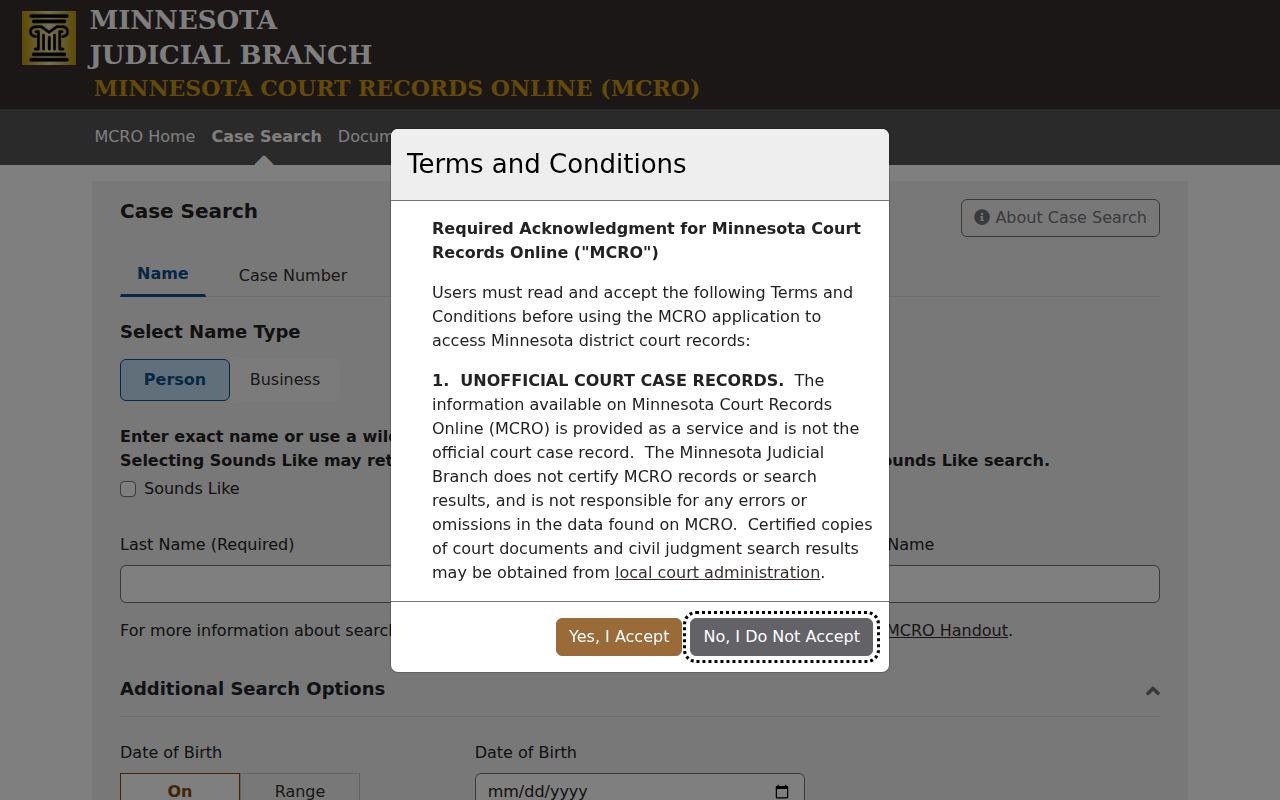
The layout makes the search tabs easy to spot. Still, the live MCRO form decides which fields and search modes you can actually use.
Searching by Case Number
A known Isanti court file number is the clearest key for an MCRO lookup. Isanti District Court files start with the prefix 30. Then comes a case-type code, the filing year, and a sequence number. Sanitized examples look like 30-CV-26-524 for a civil case and 30-CR-26-252 for a criminal one. These show format only, not records of named people. Choose Case Number and type the number with letters and hyphens but no spaces. Then select Find. A name search can miss a pending criminal case. A known file number, citation number, attorney name, or Minnesota license number becomes the useful fallback. If the number triggers an error, strip the spaces. Never swap the county prefix or guess at a sequence.
Isanti County Case-Number Search Prefix
That 30 prefix marks an Isanti District Court file inside Minnesota's statewide numbering system. The letters that follow name the category the court assigned. Official calendar material shows codes for each category. Examples include CR for criminal, CV for civil, FA for family, and PR for probate. CO stands for conciliation. VB marks a payable traffic matter. Treat the number as a routing clue. It says nothing about the case outcome.
- ROA
- Register of Actions, the chronological list of public case events.
- Document index number
- A number that can connect an ROA event with a publicly available document.
- Disposition
- A court-entered outcome or procedural resolution; read the actual event or order.
- Related case
- A court-provided cross-reference, not a relationship inferred from a shared name.
What a Case Search Returns
An MCRO result opens the case information plus the public Register of Actions. An Isanti record may list the case number, title, type, filing date, party roles, judicial officer, status, citation number where present, events, hearings, and related cases. Depending on the case, the view can add charges, financial information, a disposition, judgment details, or a public document control.
| Case Number | The Isanti file identifier, such as 30-CV-26-524, used to confirm the county and category. |
|---|---|
| Style / Parties | The title and listed roles; a matching name alone is not enough to identify the correct file. |
| Case Type | The court category, such as civil, criminal, family, probate, conciliation, or traffic. |
| Filed Date | The filing-date field, which differs from later hearing and disposition dates. |
| Status | The case status displayed by the court; read related events and orders for the underlying context. |
Read events from newest to oldest. Sort out filing dates, hearing dates, and dispositions so they do not blur together. A charge or a scheduled hearing is not a final finding. A document index may appear anyway. The case type, filing date, document type, or an access rule may block online access.
Isanti County Case Search Error Fixes
Most MCRO problems have a specific fix. Never pair a wildcard with Sounds Like. A trailing wildcard can widen a name once you have typed at least two characters. Save it for when exact spelling fails. A large record can throw a Loading Error. It usually responds to a refresh or reopening the case. Use the portal's own navigation links, not the browser Back button. An empty Isanti name search does not prove the case is absent. Recheck the spelling. Check the exact case-number format, the county selection, and the case category, plus the pending-criminal name-search limitation. Then try a citation, a file number, an attorney route, the courthouse terminal, or Court Administration. Keep private values like a date of birth out of public notes and screenshots. Do this when optional filters allow them. MCRO runs on Chrome, Firefox, Safari, and Edge. The Judicial Branch does not recommend Internet Explorer. A phone or tablet works too, though the form and document functions can feel clumsy there. When a public document opens, view it with a PDF viewer. Keep the case number with the document title. If it will not open, check the Register of Actions first. An event can be public while its document stays off limits to remote access.
Statewide vs County Case Search
MCRO covers every Minnesota court. So it is not an Isanti County portal of its own. The statewide option helps when you do not know which county holds the case. It also helps when one name turns up in more than one court. Filtering to Isanti trims a long list of common-name hits down to size. Either way, you are searching the same judicial-branch system, and the same public-access limits apply. Both routes land in the same place for an Isanti County docket search.
| Statewide MCRO | MCRO with County = Isanti |
|---|---|
| Searches participating Minnesota court locations. | Focuses the query on Isanti County District Court records. |
| Useful when the court location is not known. | Useful for a known local file or a common name. |
| Can be narrowed later with court-location filters. | Still supplies the same public MCRO case-information layer. |
Isanti County Case Documents Judgments
Case Search is not the only MCRO tool. Document Search uses a case number to locate remotely available public documents, while Judgment Search focuses on monetary judgments and satisfaction information. A Register of Actions event can refer to a document even when the document button is unavailable.
The official Document Search screen is the source for the image below.
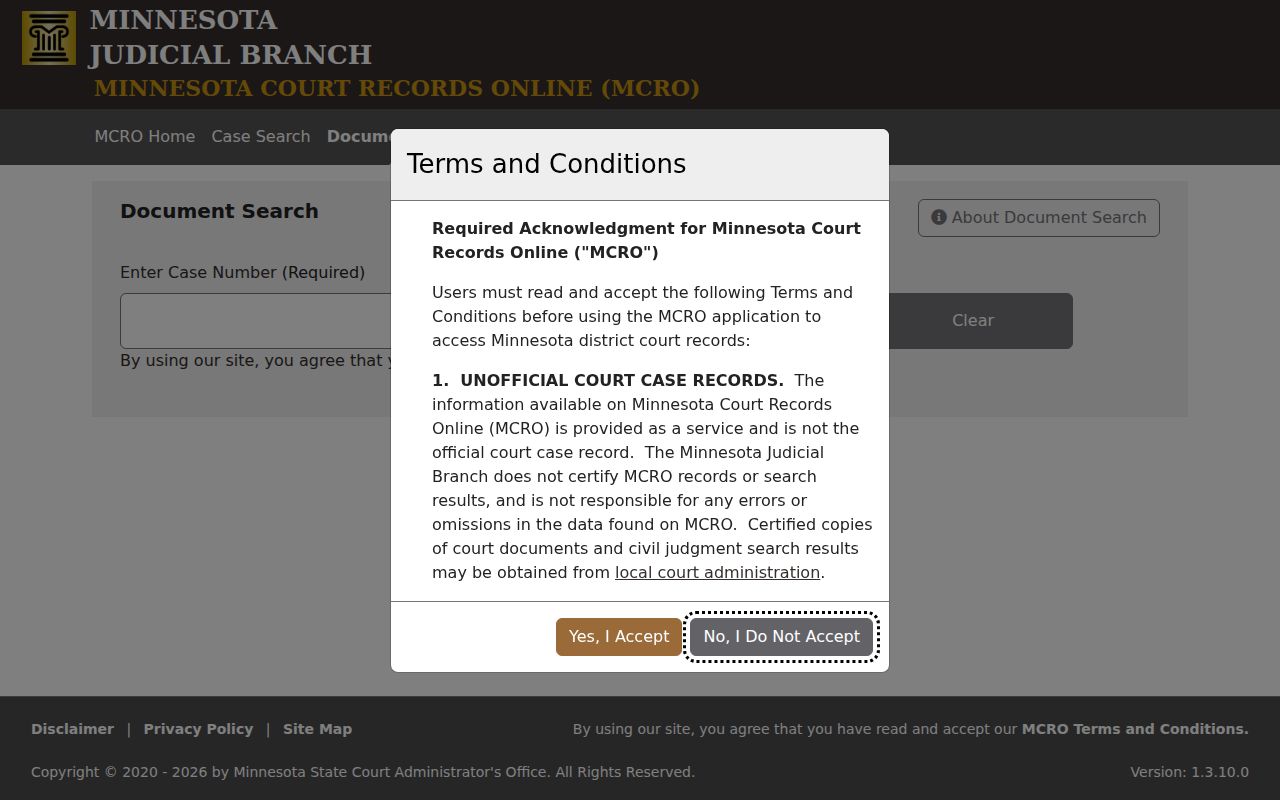
Not every document you can pull up remotely counts as a certified record. If a judgment document will not load, that gap calls for the local records process, not another name search in the Isanti County case docket.
The official Judgment Search screen shows a separate MCRO route for this kind of lookup.
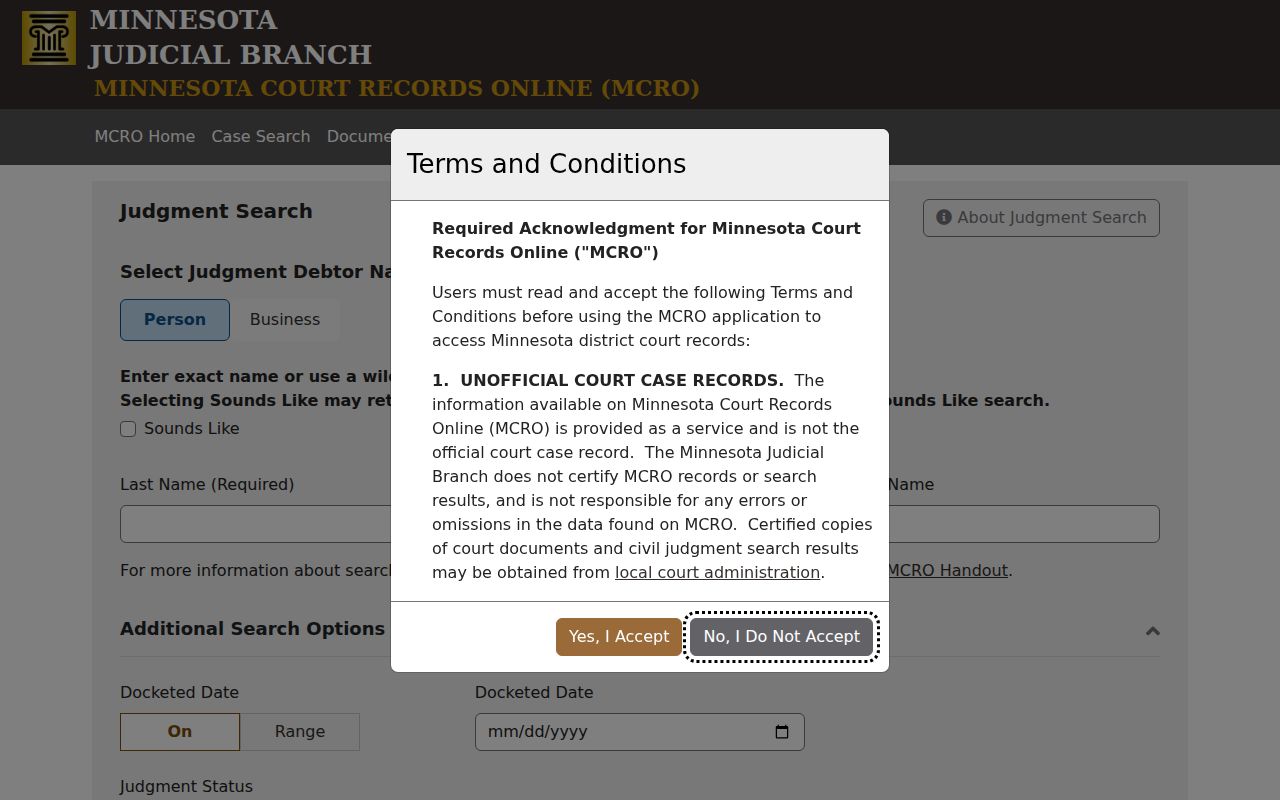
Judgment details are just one slice of an Isanti County case file. They cannot stand in for the full ROA or an official copy from Court Administration.
Isanti County Case Terminal Access
Remote MCRO sometimes falls short. When it does, head to the courthouse law-library terminal. The MPA Courthouse public-terminal guide explains the public-view MNCIS environment, which can offer more complete permitted access than the remote interface. Isanti Court Administration keeps the local file and can produce copies of documents you identify by name and number.
Isanti County District Court sits at 555 18th Ave SW, Cambridge, MN 55008. Call 763-290-7020 for general questions. For an exact copy, use the counter or a written request. Minnesota eFile and eServe serves parties and attorneys who are filing and serving papers; it is not a public case lookup for everyone else.
Isanti County Case Hearing Search
When you need a court date rather than a whole case record, open MCRO Hearing Search. The tool offers Name, Case Number, Judicial Officer, and Attorney tabs, plus On or Range date controls and county filters. Set the county to Isanti. Then weigh any result against the current court calendar and the case's Register of Actions.
The Name tab covers people and businesses. The Case Number tab suits a known Isanti file. Judicial Officer and Attorney searches add their own identifying fields ahead of the date and location filters. Choose the Isanti county location instead of assuming a statewide hit is local. A hearing result still deserves a check against the case record, because the calendar and hearing search show scheduled events, not outcomes or rulings.
The official Hearing Search screen displays what this page of the court's system contains.
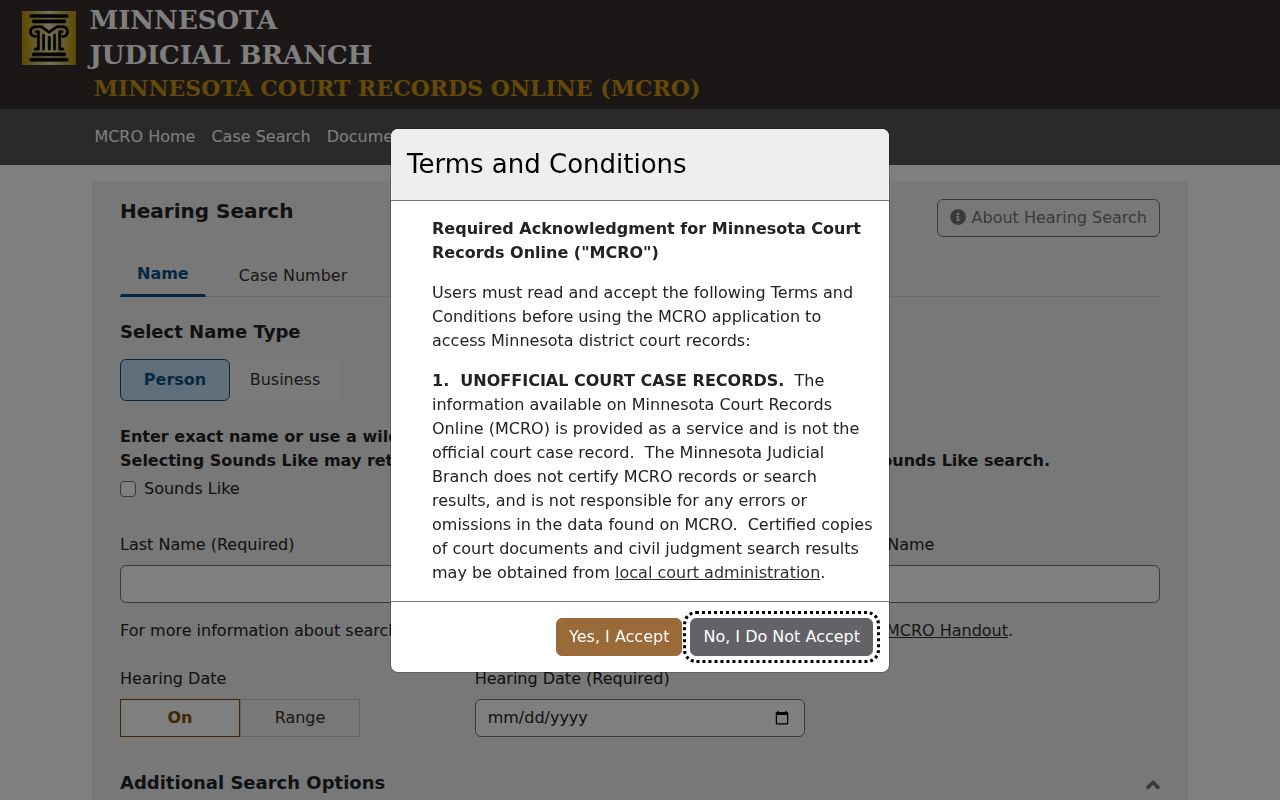
A hearing entry is a schedule, nothing more. The newest case-specific notice governs any remote or hybrid appearance.
Access and Restricted Cases
MCRO gives permitted public access only. Juvenile, CHIPS, civil-commitment, domestic-abuse, harassment, protected-location, confidential, sealed, and expunged material may carry limits under the Minnesota Rules of Public Access, Rule 4 and Rule 8. A courthouse terminal offers stronger access to permitted public data. It is not a loophole around a restriction.
Documents filed after July 1, 2015 may be viewable remotely for listed case types under the MCRO coverage matrix. Older and sensitive categories face different limits. A sealed or restricted Isanti County matter may be missing, partly shown, or listed as an event with no document attached. Where the law does allow access, file the official CON101 request. You can also contact Isanti County Court Administration.