
How to Search Civil Dockets
Start your docket search with Minnesota Court Records Online, known as MCRO. The Name tab handles people and businesses alike. Case Number and Attorney tabs work too. Under Additional Search Options, pick County, choose Isanti. Set the Civil category when it fits. That filter matters. Without it, a statewide sweep can bury an Isanti County civil docket under a pile of same-name matches from other counties.
A court file number is the fastest path when you have one. If you searched by name or business, compare the result against the title, case type, venue, filing date, party roles, status, and related cases before opening the Register of Actions. MCRO adds document, hearing, and judgment tools as well. A remote result or document can fall short of what you need. The public courthouse terminal and Court Administration are the backups.
- Choose Name, Case Number, or Attorney in MCRO based on the information available.
- Set Court Locations to County, select Isanti, and limit the category to Civil where appropriate.
- Open a matching result only after verifying the venue and case number.
- Read events from newest to oldest, then compare the hearing, order, judgment, and satisfaction fields.
- Use the public terminal or request an identified copy from Court Administration if the available record is incomplete.
Isanti Civil Case Numbers
Every Isanti County civil case number begins with the county prefix 30. One public-format example is 30-CV-26-524. The pieces tell you the county and the CV civil case type. They also show the filing year and a sequence in line. In an MCRO case-number field, enter the letters and hyphens with no spaces. The sequence is only a locator. It cannot establish the size, substance, or result of the civil matter. Other District Court divisions use their own case-type letters. A conciliation format may begin 30-CO-26-219, family cases use FA, and probate uses PR. All of these categories sit within the Isanti County District Court structure. The case category identifies the judicial record. So does the court field, and not a city name in a title.
Note: An Isanti civil file number is a strong search key. But understanding the case stage takes a court-entered status plus the complete Register of Actions.
What a Civil Docket Shows
A civil Register of Actions can show a lot. The header comes first. Then come party roles and counsel, filing and service events, motions, notices, hearings, orders, judgments, satisfaction entries, financial information, and related cases. It also flags restricted or unavailable documents. Document index numbers can tie an event to an available public copy. A document named in the event list is not always downloadable, though. The title alone is no promise that the file can be pulled remotely.
| Case number and header | A civil format such as 30-CV-26-524, venue, filing date, judicial officer, status, and related cases. |
|---|---|
| Parties and counsel | Public party roles and attorney information associated with the court file. |
| ROA events | Filing, service, motion, notice, order, judgment, settlement, dismissal, and other event entries. |
| Hearings | Date, time, location or remote connection field, officer, and hearing type. |
| Judgment details | Monetary judgment and satisfaction information where the judgment or ROA layer exposes it. |
A hearing line records scheduling only. It does not prove the hearing happened, that a motion was granted, or that a settlement was reached. Check the event and order entries for that.
Isanti Civil ROA Events
Read a civil ROA in order. Start with the header, then parties and roles, then filings and service, and then motions, hearings, orders, judgment, satisfaction, and closure information. A civil case can be active, inactive, or closed. Closed is a docket label, not a full explanation of the judgment or any other final event.
Public calendar labels you may see include Motion Hearing, Default Hearing, Settlement Conference, Conciliation Hearing, Review Hearing, Evidentiary Hearing, Account Hearing, and Probate Hearing. These are procedural labels only. A daily schedule helps you get oriented. The Register of Actions is where an event fits with the rest of the Isanti civil case.
The public MCRO Document Search works best when you know the exact case number. It is separate from an official copy request. It also does not expand the public-access rules that govern a sensitive case category or document.
Types of Civil Cases on the Docket
Isanti County District Court handles civil matters inside one unified trial-court structure. The civil docket can carry general civil filings plus public court events tied to family, probate, and protective categories, subject to case-specific access rules. Conciliation is the small-claims division of the District Court. It is not a separate city or justice court.
- General civil complaints, answers, motions, orders, judgments, and satisfaction events.
- Conciliation Court matters identified by the CO case category and Conciliation Hearing calendar label.
- Family matters that use the FA category, with special remote-access limits for many documents.
- Probate or mental-health categories where the current MCRO matrix controls document availability.
- Protective matters that may show a scheduling label while still carrying restrictions under the court rules.
The official Isanti court page names the District Court as the county trial court for civil, family, probate, juvenile, criminal, traffic, and conciliation cases. That shared venue matters. It does not make every document type equally public.
Isanti Conciliation Court Dockets
Conciliation Court is the small-claims division of the Isanti County District Court. Its public case format uses the same county prefix and the CO case-type letters, such as 30-CO-26-219. A Conciliation Hearing on the Isanti calendar marks a scheduled setting in that division. By itself it shows no result. The court’s conciliation forms and instructions control filing, service, appeal, and amount questions. Use MCRO for the public docket search. Enter the correct case number, or set the case category and Isanti county location. The public terminal and Court Administration remain available for permitted records that do not appear fully online. The distinction matters. Conciliation Court is not a separate local courthouse. Its docket sits inside the unified District Court system.
Settings and Hearings on Civil Dockets
Three tools cover Isanti County civil settings, and each answers a different question. MCRO gives case history and hearing dates. The Isanti daily calendar PDF is narrower but quick to scan. It lists party name and hearing location. It also lists date, time, judicial officer, hearing type, connection type, and case number. Posting happens on business days at 7:00 a.m., with hourly updates after that. For the freshest word that day, the lobby and courtroom screens are the most current source. They sit inside the courthouse.
Civil hearings move around. A setting can be continued, reset, canceled, or moved, so one row proves little. Keep the case number when you check for a change. Keep the publication time, hearing date, and setting label too. Then compare the schedule against the ROA and a current case-specific notice before relying on it. A Remote Hearing or Zoom label is logistics only. It never grants permission to use or share a private connection detail.
Note: Confirm any scheduled Isanti civil hearing through the calendar, the ROA, and a current notice. Do not assume one PDF row settles it.
Isanti Civil Filing and Search
eFS handles a different job than a docket search. Minnesota eFile and eServe, or eFS, is the state’s system. It handles filing and serving court papers. It is not a public Isanti civil docket search. Attorneys, government agencies, and guardians ad litem must file through it in every Minnesota county. A self-represented party may opt in voluntarily. The court can require that person to continue electronically in the case afterward, though.
Match the tool to the task. MCRO or the courthouse terminal finds a permitted public case. Court Administration and the copy form handle official documents. eFS belongs only to filing and serving as an authorized participant. The Minnesota Court Payment Center web page is yet another separate system. It was built for eligible citation payment rather than civil filing or case browsing.
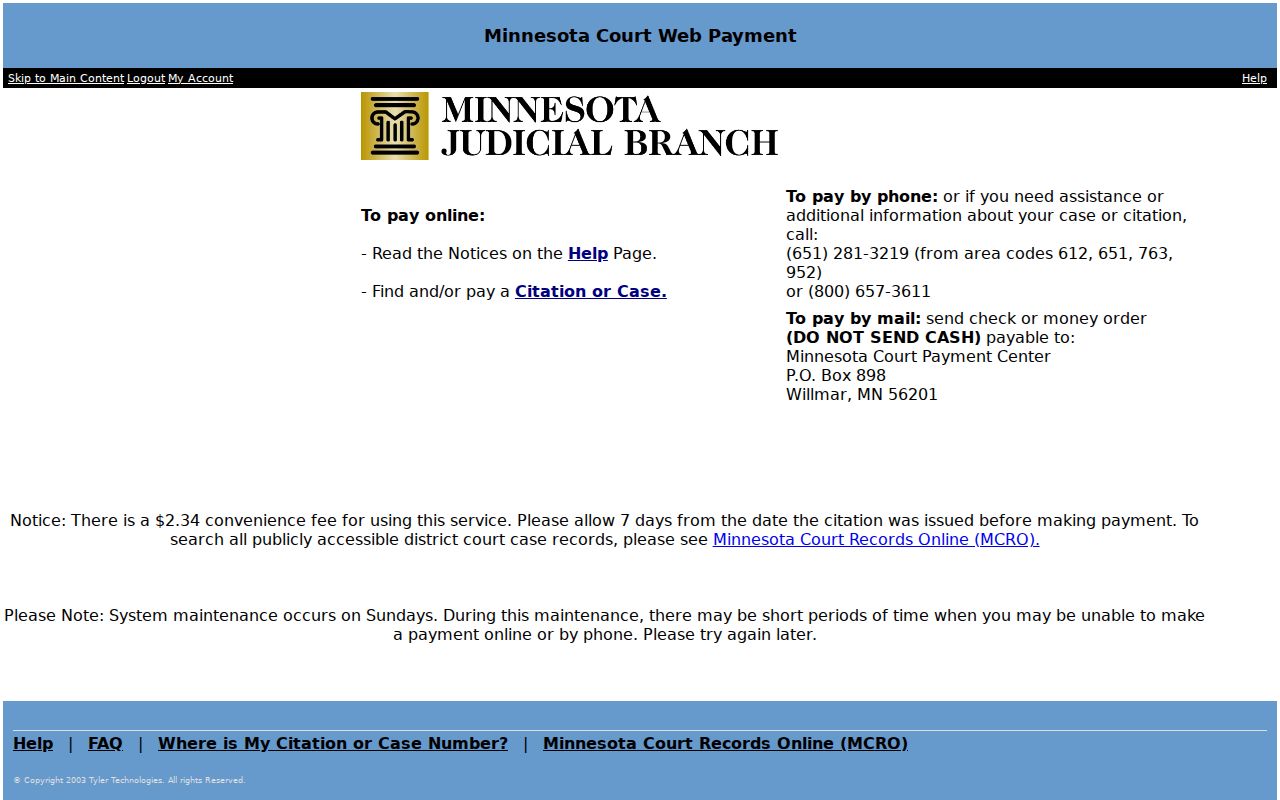
Each route has its own job. Keeping filing, public search, copy requests, and citation payment separate keeps a civil record request from landing in the wrong Isanti court channel.
Public Access to Civil Dockets
The Minnesota Rules of Public Access sort records into tiers. A public Register of Actions, a remotely available document, a restricted filing, and a sealed record are not the same thing. One Isanti civil case can show a visible event while its attachment stays restricted. Family, protective, juvenile, medical, and location-related information can carry special limits. The courthouse terminal offers fuller permitted public access than the remote interface. But it cannot override a restriction.
Key Rules:
Minnesota Rule of Public Access 8 covers inspection, copying, registers, calendars, remote access, and related fees.
Minnesota Rule of Public Access 4 identifies restricted categories and protected information.
Minnesota Statutes section 357.021 supplies the court-fee authority used with the live Judicial Branch fee schedule.
Not every public document is online. When a permitted civil document is missing remotely, use the courthouse terminal or send an identified copy request. A sealed or confidential record is different. It takes the court-approved access process, not an ordinary document request.
Isanti Civil Copy Routes
Court Administration in Isanti County handles public-file inspection and copies. The office sits at 555 18th Ave SW, Cambridge, Minnesota 55008. Call 763-290-7020 for the main court line, or 763-689-2292 for advance copy requests. A mail request should identify the case number. It should also give the document title, date or index number, and how you want it delivered. Local instructions ask requesters to allow five days for mail processing.
Isanti County Court Administration
Public terminal and copy-request access at the Isanti County Courthouse law library and Court Administration counter.
General court: 763-290-7020
Advance copy line: 763-689-2292
The copy-request information page sorts copies into four types: plain, certified, exemplified, and certified/exemplified. For local detail, the Tenth District records instructions cover the Isanti-specific terminal, counter, and mail context. Staff cannot pick the document. The request has to name it. Most counter requests finish the same day, though multiple files, documents, or confidentiality review can take longer. The court page’s official email form handles procedural contact only. It does not promise email delivery of a document.
Isanti Civil Docket Boundaries
Isanti County District Court civil cases run on Minnesota’s state-court systems. A federal civil case lives somewhere else entirely. It sits in federal systems, not with Isanti County Court Administration or MCRO. Number formats give a quick clue. A state case may look like 30-CV-26-524. A District of Minnesota federal case follows a pattern such as 0:26-cv-03686-ECT-SGE. Federal access runs through the District of Minnesota PACER lookup.
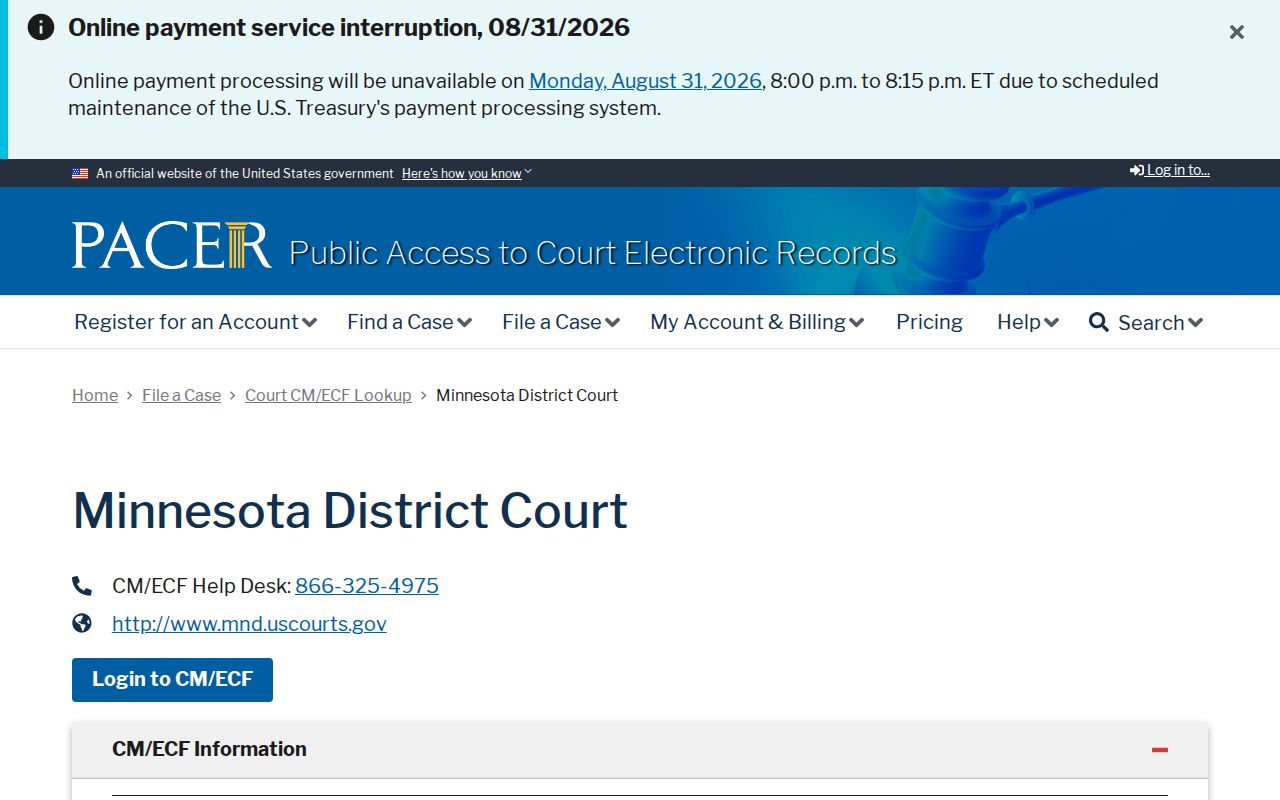
Those naming and numbering differences matter. They keep a state civil docket search from wandering into the wrong record system. The District of Minnesota CM/ECF court information link is a federal filing and docket environment all its own.
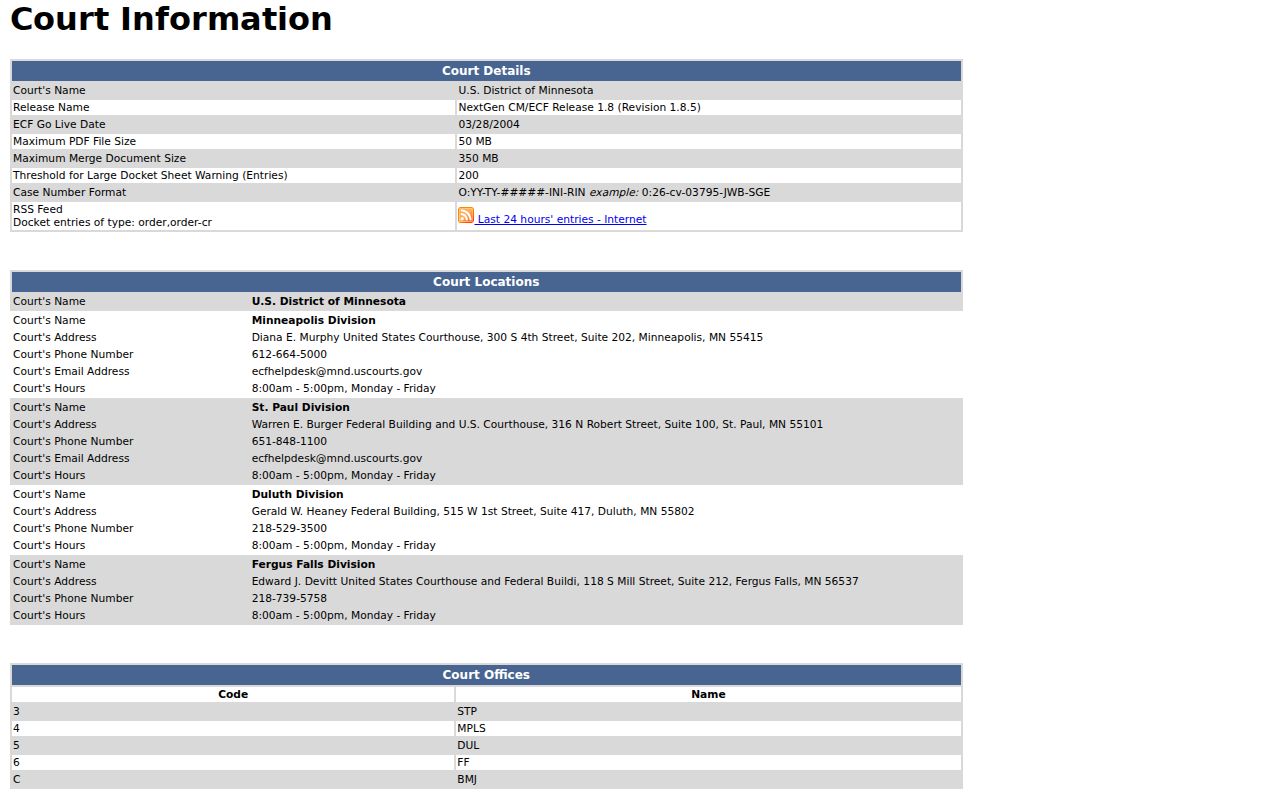
The federal setup changes nothing locally. Isanti County Court Administration still keeps the state-court civil file. The official PACER pricing page applies to federal access rather than the free MCRO public search.
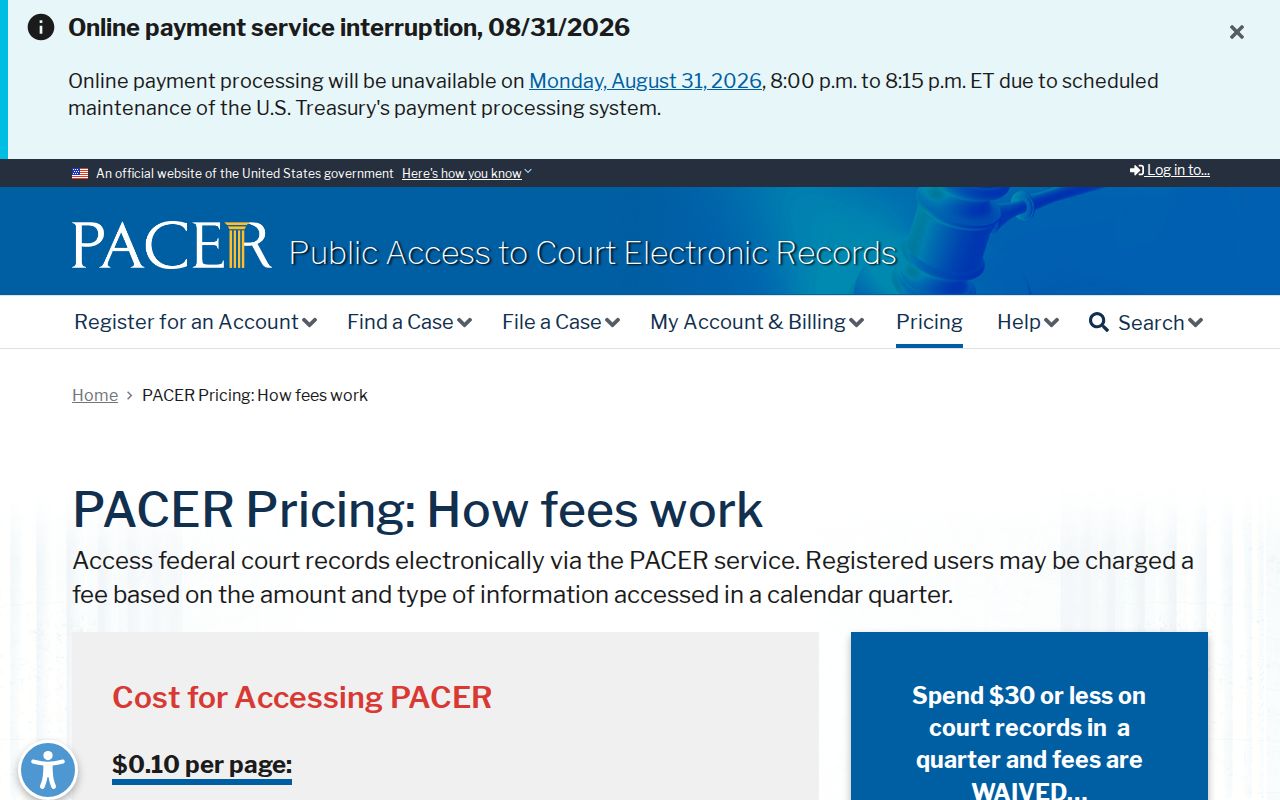
Isanti County civil court docket questions start with MCRO and the local court access routes described above.