
The Isanti County Court Calendar
Isanti County District Court posts a daily PDF that schedules the day's courtroom hearings. Think of it as today's lineup, not a full Register of Actions. Confidential matters and cases closed to remote viewing stay off the Isanti County court calendar. So a missing row never proves a hearing was canceled or never set.
One District Court handles everything here: civil, criminal, family, probate, juvenile, traffic, and conciliation. That mix puts many hearing types on one schedule. For filed events, case history, and later orders, go to Minnesota Court Records Online. It is called MCRO. One calendar line is never the whole docket.
Isanti County Calendar's Eight Columns
The daily PDF carries eight fields: Party Name, Hearing Location, Hearing Date, Time, Judicial Officer, Hearing Type, Connection Type, and Case Number. Each answers a different question. The name and case number identify the listing; the location and connection fields show how the setting is currently arranged for a participant.
- Hearing Type
- The scheduled procedural event, such as arraignment, motion hearing, conciliation hearing, or sentencing.
- Connection Type
- A logistics label for a participant role, such as attorney, defendant, petitioner, respondent, or plaintiff.
- Judicial Officer
- The officer shown as presiding for the scheduled event.
- Case Number
- The court file identifier; Isanti District Court files use the county prefix 30.
These fields describe a scheduled court event and nothing more. They do not prove a hearing happened or reveal what the court decided. When an Isanti setting changes, keep the calendar publication time and the case number close at hand while comparing it against the Register of Actions.
How to Find Your Court Date
Rely on more than one official channel when a date truly matters. The daily PDF gives the current schedule. MCRO Hearing Search offers a structured statewide route. Call Court Administration at 763-290-7020 for local calendar questions. In person, the courthouse terminal and lobby screens work well. An attorney can confirm case-specific instructions for a represented party.
- Open the official Isanti daily calendar and use the PDF search for a known name, attorney, or case number.
- For a date range or a more precise filter, use MCRO Hearing Search and select County, then Isanti, along with the Name, Case Number, Judicial Officer, or Attorney tab.
- Open the matching case in MCRO Case Search and read the Register of Actions for the latest event, order, or notice connected with the setting.
- Before appearing, confirm the date, time, hearing location, and current appearance instructions with Court Administration, the courtroom screens, or the attorney of record.
Inside the courthouse, the law library holds a free MPA Courthouse public terminal. It can display permitted public data. That data goes beyond what remote access shows. The court's official contact form handles email inquiries. Isanti County offers no calendar subscription, text-alert program, fax route, or public calendar API.
Isanti County Calendar Updates
The Isanti County court calendar PDF posts at 7:00 a.m. each business day, with hourly updates after that. The court itself says lobby and courtroom screens are the most current daily source. A printed or earlier-downloaded PDF is a fine starting point, but never the final word before a same-day Isanti appearance.
Check any changed setting against the newest calendar, the Register of Actions, and whatever case-specific notice the court sent. A calendar is not a permanent public archive. Isanti County offers no official calendar feed or stable archive. Use the schedule to locate a matter. But do not rely on it alone to state that a hearing happened, was canceled, or produced a disposition.
Treat the morning PDF as a snapshot. For a hearing later in the day, keep three things together: the case number, hearing type, and stated time. Do that when comparing an old listing with a new one. A change may show up as a fresh calendar row. It may also show up as a moved location, a different connection label, or a new Register of Actions event. The remote-access limits matter here too. Confidential and non-remotely accessible cases are left off the public calendar even when the local file has a setting.
Searching within the PDF helps find a known party name, attorney, or file number, but it cannot match the MCRO filters. Use Hearing Search when your Isanti question involves an exact date or date range. Use it too for a judicial officer, an attorney, or a case category. Still unclear? The law-library MPA terminal handles one next step. It lets you inspect permitted public case data. Court Administration handles the other, for a procedural or copy question.
Minnesota's population-estimate material gives demographic context for the county the courthouse serves. That official state page reports public data, not a count of Isanti court filings.
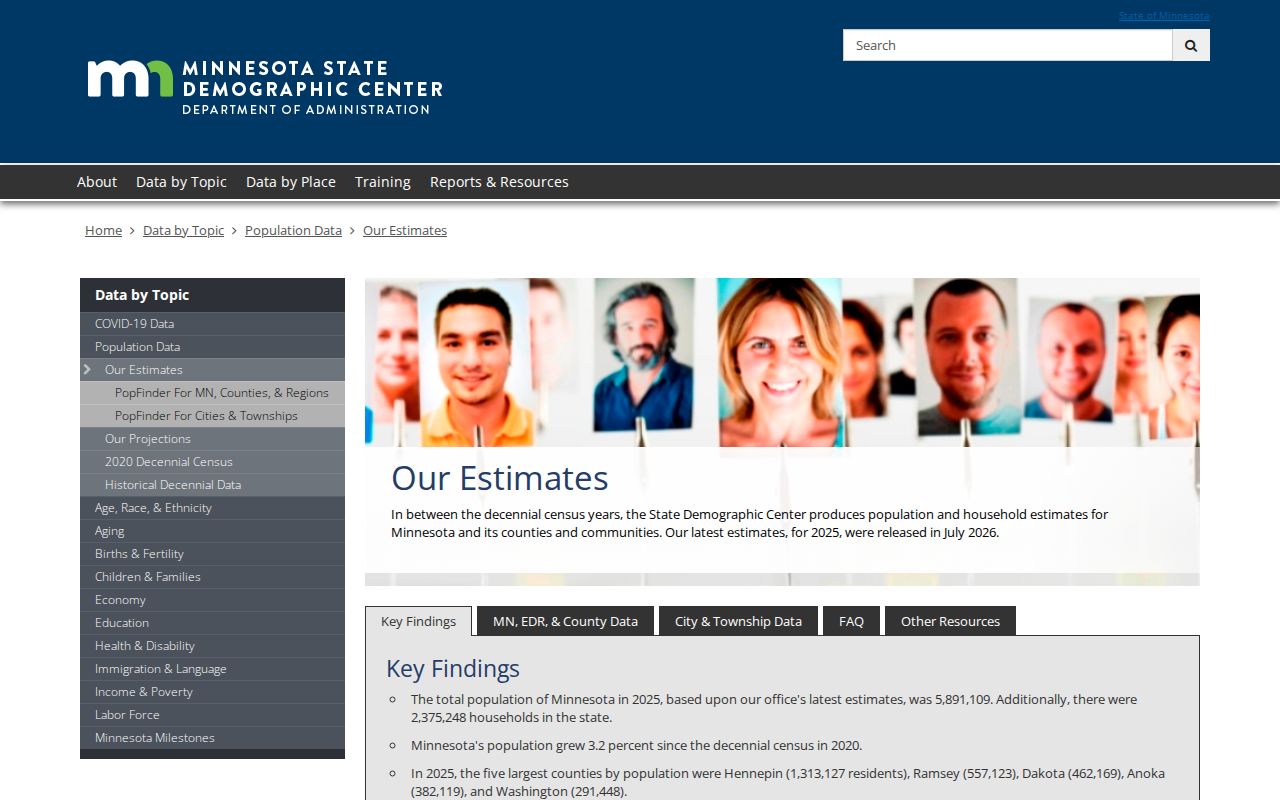
Judge calendar access by the court's published schedule and current notices, not by population figures.
Reading a Court Setting
Read an Isanti calendar setting as a set of fields working together. A First Appearance, Initial Appearance - Rule 8, arraignment, omnibus hearing, plea hearing, sentencing, motion hearing, settlement conference, default hearing, or evidentiary hearing names a scheduled stage in the case. It does not show attendance, a ruling, or a final outcome on its own.
| Date | The scheduled hearing date, which may change through a continuance, reset, or new notice. |
|---|---|
| Time | The time displayed on the daily schedule; confirm same-day changes on courthouse screens or with Court Administration. |
| Courtroom | Hearing Location can list Courtroom A, Courtroom C, Remote Hearing, Zoom, or another displayed location. |
| Judge | The Judicial Officer field names the presiding officer assigned to the scheduled event. |
| Setting Type | The procedural label, which must be read with the Register of Actions or a later order to understand the result. |
Isanti County Calendar Search Filters
MCRO Hearing Search beats scrolling the daily PDF. Four tabs organize the work. Name covers Person or Business lookups. Case Number pairs a file number with a hearing date set to On or Range. Judicial Officer adds filters for category and court location. Attorney takes a name or bar number.
On any tab, pick the County location option. Then choose Isanti for a local Isanti County court docket check. Category and date controls trim wide results fast. Because labels on the live interface shift, the official hearing-search quick reference is the place to confirm current wording.
Resets, Continuances, and Cancellations
Isanti County hearings get continued, reset, canceled, or moved all the time. The daily PDF catches changes within its hourly update cycle. The courthouse screens are fresher still. So treat both with care. A setting that vanishes does not prove dismissal. And a date still sitting on an older PDF does not prove the hearing will happen as first listed.
For an Isanti case you know, open the refreshed calendar first. Then pull the case's Register of Actions. A later event, court order, or case-specific notice usually explains the new schedule. Court Administration answers local calendar questions. Staff cannot interpret what an event means legally. Remember that a hearing line is procedural information only. It is not a finding on the case or a stand-in for the controlling notice.
Isanti County Calendar Remote Labels
The Hearing Location field on an Isanti calendar may read Remote Hearing or Zoom. Minnesota's statewide framework allows in-person, remote, and hybrid settings. The case-specific notice decides which one applies. A calendar label grants no permission to join a session or pass along a connection code.
Follow the notice instructions, ask the attorney of record when one is involved, and call Court Administration if the mode is unclear. The Minnesota remote-hearings information points participants to case-specific instructions and warns against sharing login details. Public calendar access never opens private participant information or digital exhibits.
Isanti County Calendar Screen Checks
Need a same-day Isanti County docket answer? The courthouse lobby and courtroom screens are the final local check. The court itself calls those displays its most current daily calendar source. The Isanti County District Court sits at 555 18th Ave SW, Cambridge, MN 55008. Its general number is 763-290-7020.
The law-library terminal is a separate search channel. It offers MPA Courthouse public access to permitted statewide case data. It also lets you compare a calendar listing against a Register of Actions. That terminal reaches more than remote MCRO within public-access rules. But sealed, confidential, or otherwise restricted Isanti records stay closed.
What To Do If You Miss a Setting
Missed an Isanti County setting? Act promptly. Check the current calendar and the Register of Actions, then call Court Administration at 763-290-7020 for procedural information. A represented party should also contact the attorney of record, since the right next step depends on the case type, the notice, and any order already entered.
Missed a Setting? Missing an Isanti court date can lead to a failure-to-appear consequence or another court action, so obtain current instructions promptly.
Do not assume a missed listing was reset because it no longer appears on an older PDF.
For legal advice about the effect of a missed setting, speak with a licensed attorney.